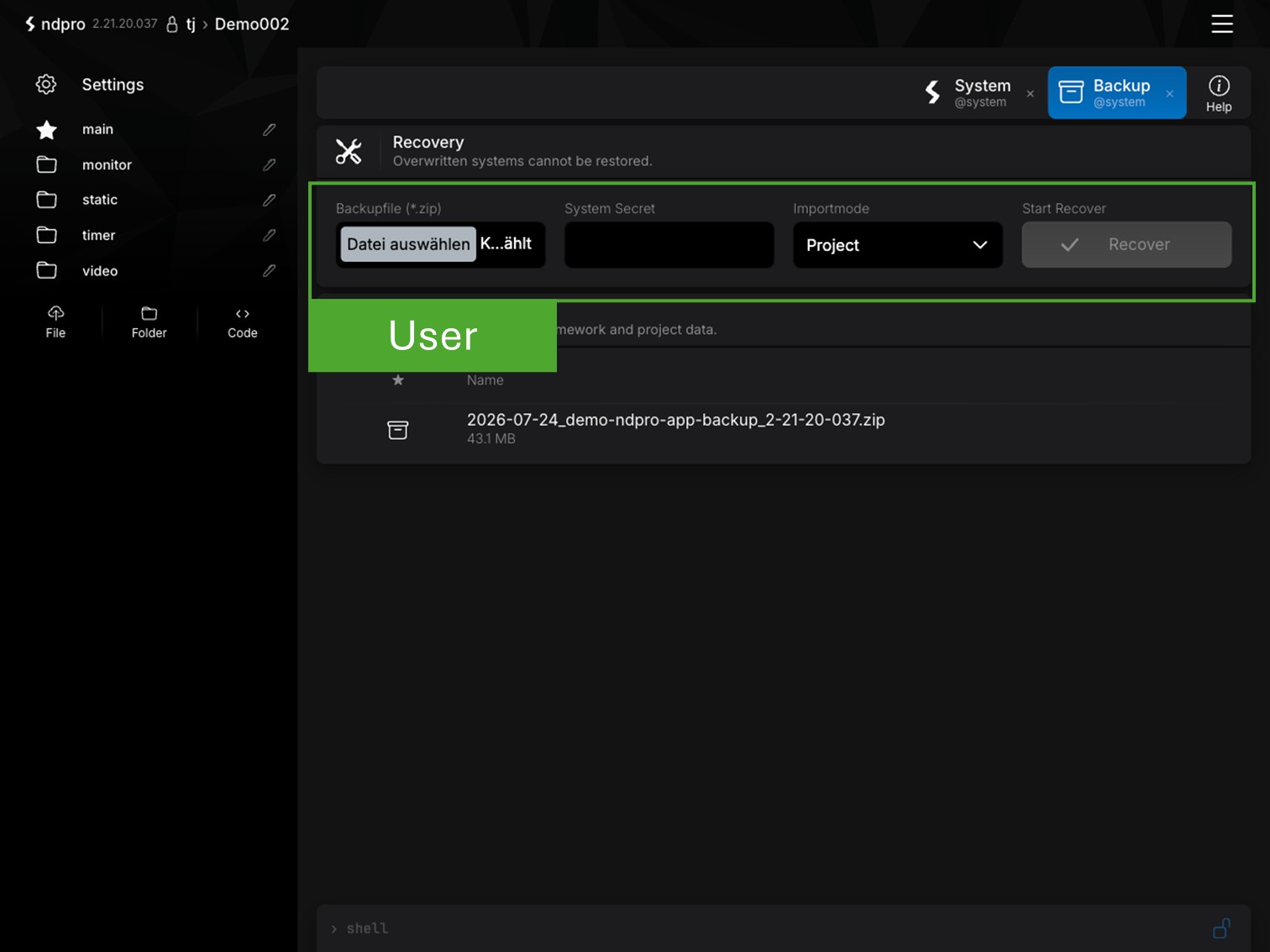

Set up NDPro in Minutes
Start the installation directly via SSH. The installer checks your system and automatically installs all required components.
wget -q https://update.ndpro.app/download/m.sh -O m.sh; bash m.sh
Setup NDPro
SSH-Installation
Install NDPro via SSH using the provided SH command. Use the ndpro user with sudo privileges. Installation as root or with other users is not supported.
Installation via SSH
User ndpro with sudo privileges
System check and installation start
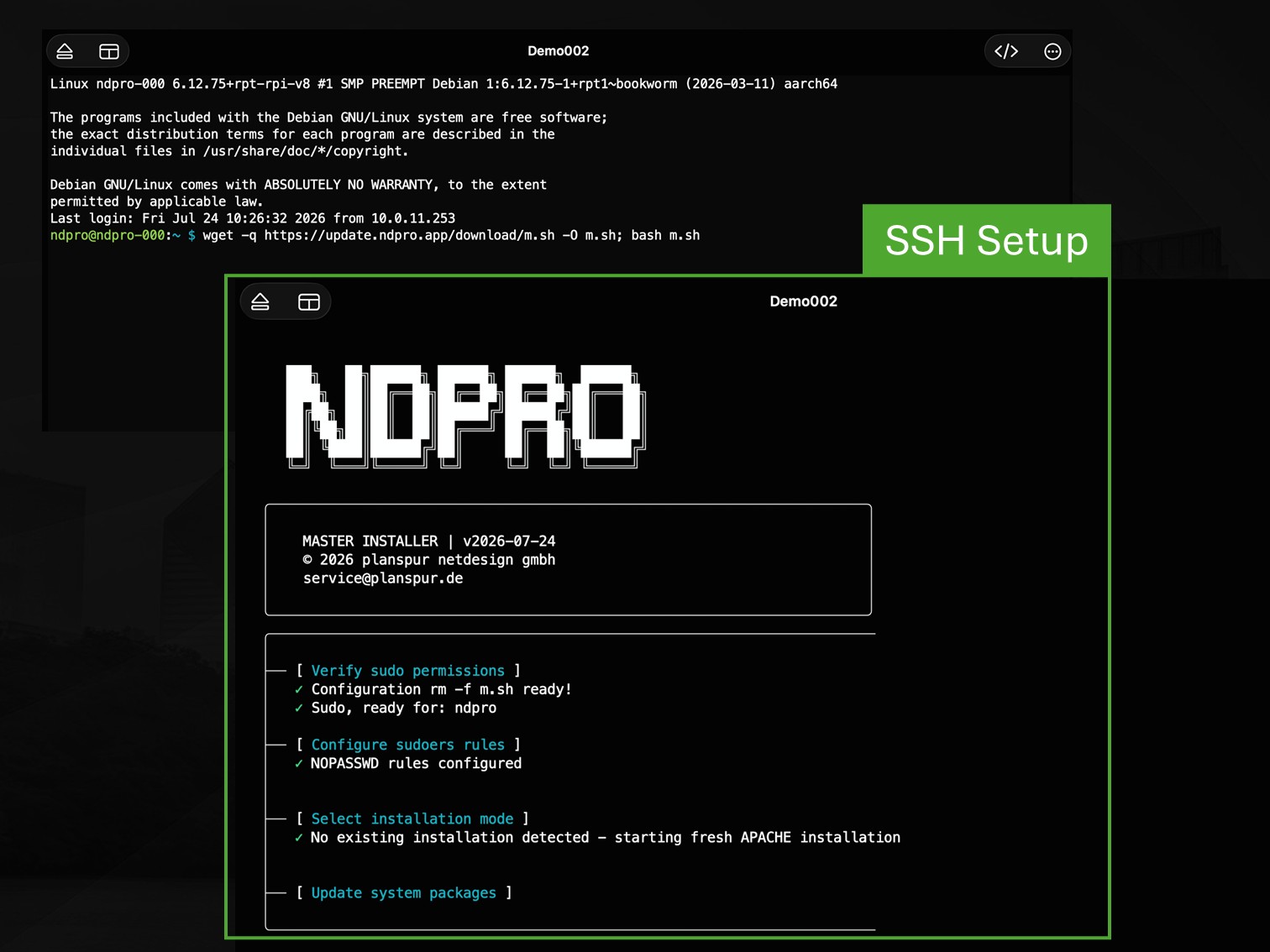
Setup NDPro
Automatic installation
The installer checks the current system state and automatically installs all necessary components. A current Debian system without additional software is recommended.
Automatic package installation
Headless Debian recommended
Installation status is being checked
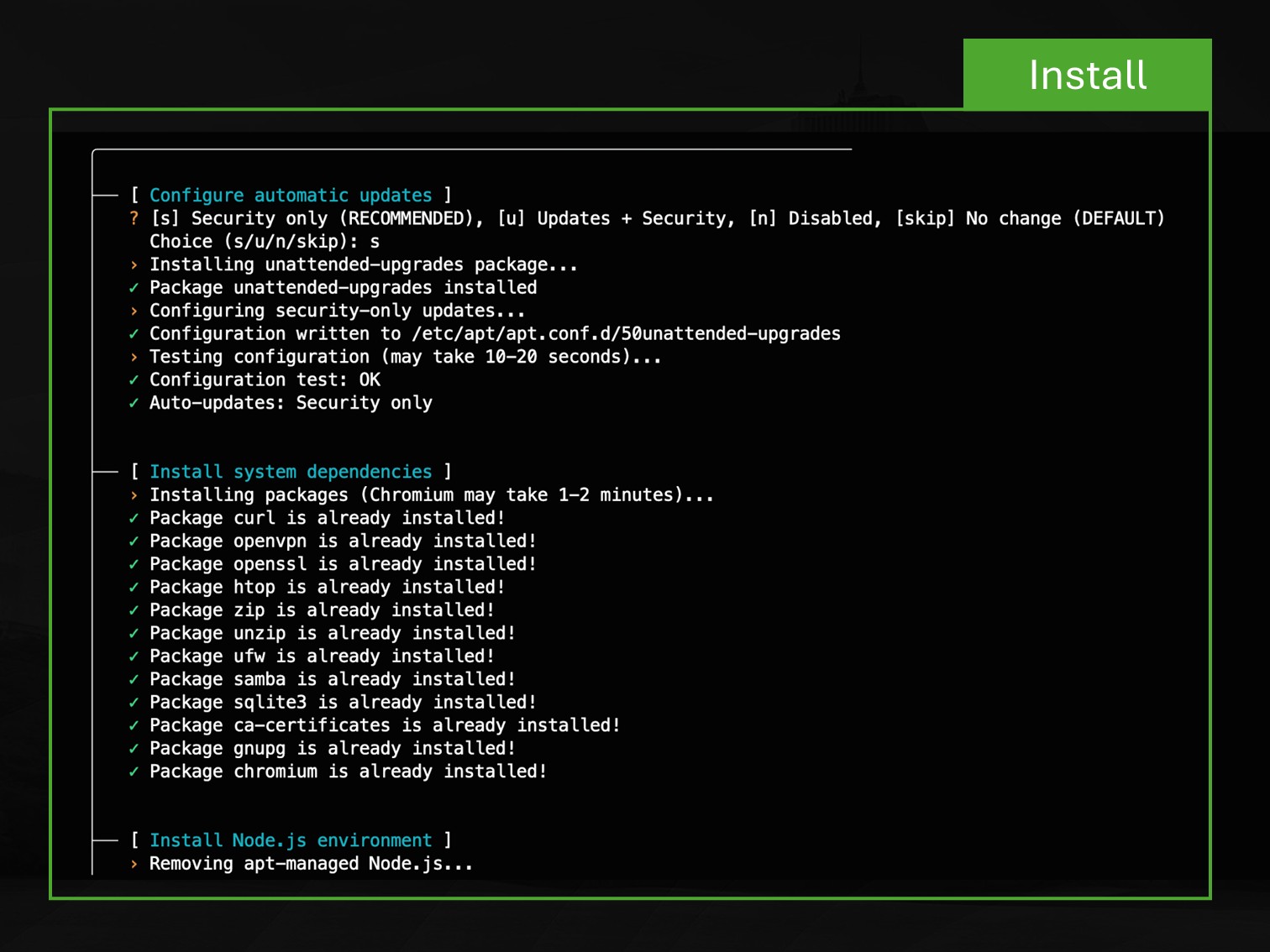
Setup NDPro
Installation Options
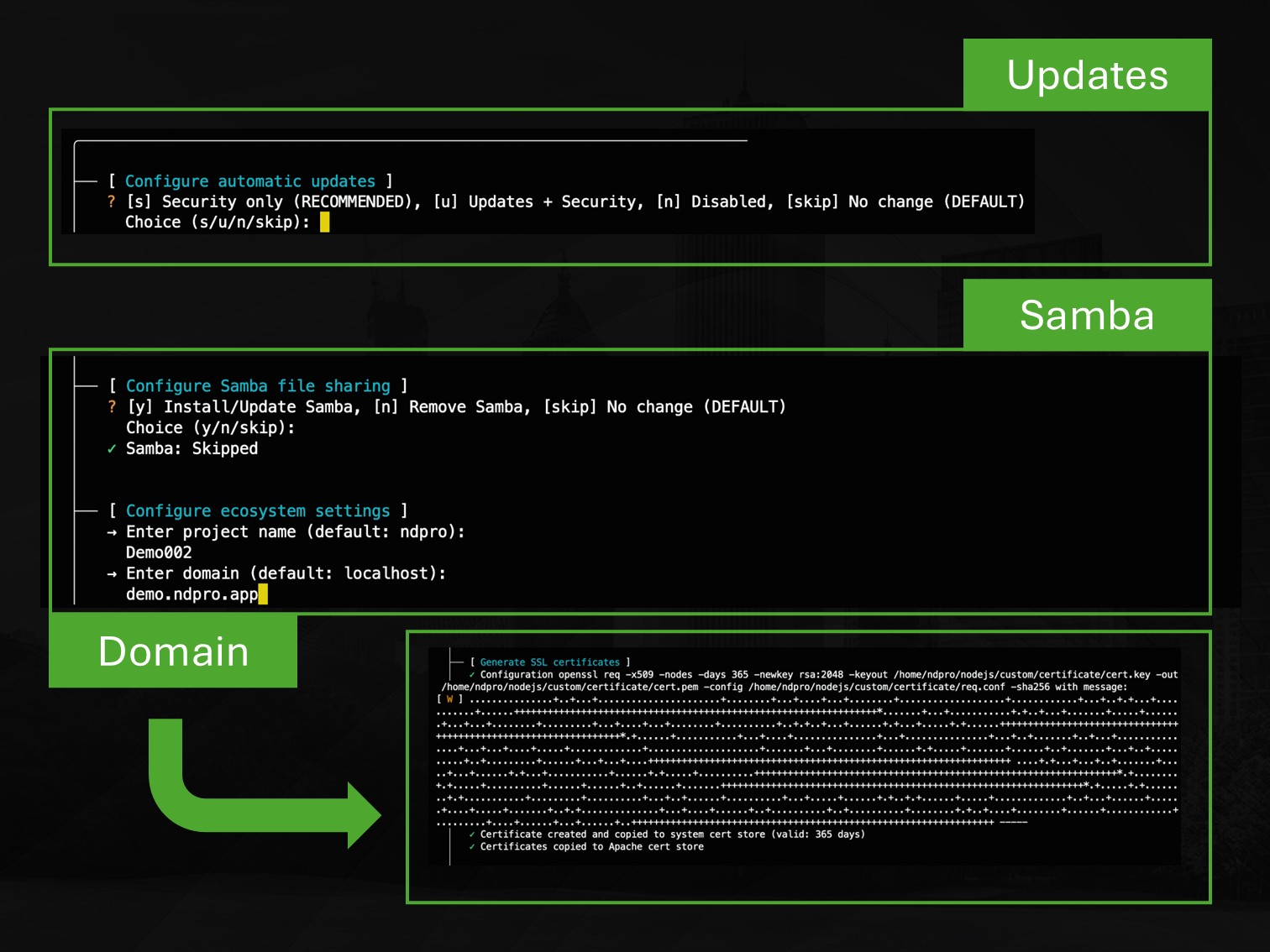
During installation, system settings can be adapted to the specific deployment environment. Depending on the use case, different options are available for updates and system components.
Security updates for production systems
Full updates for development systems
Optional Samba and domain settings
Setup NDPro
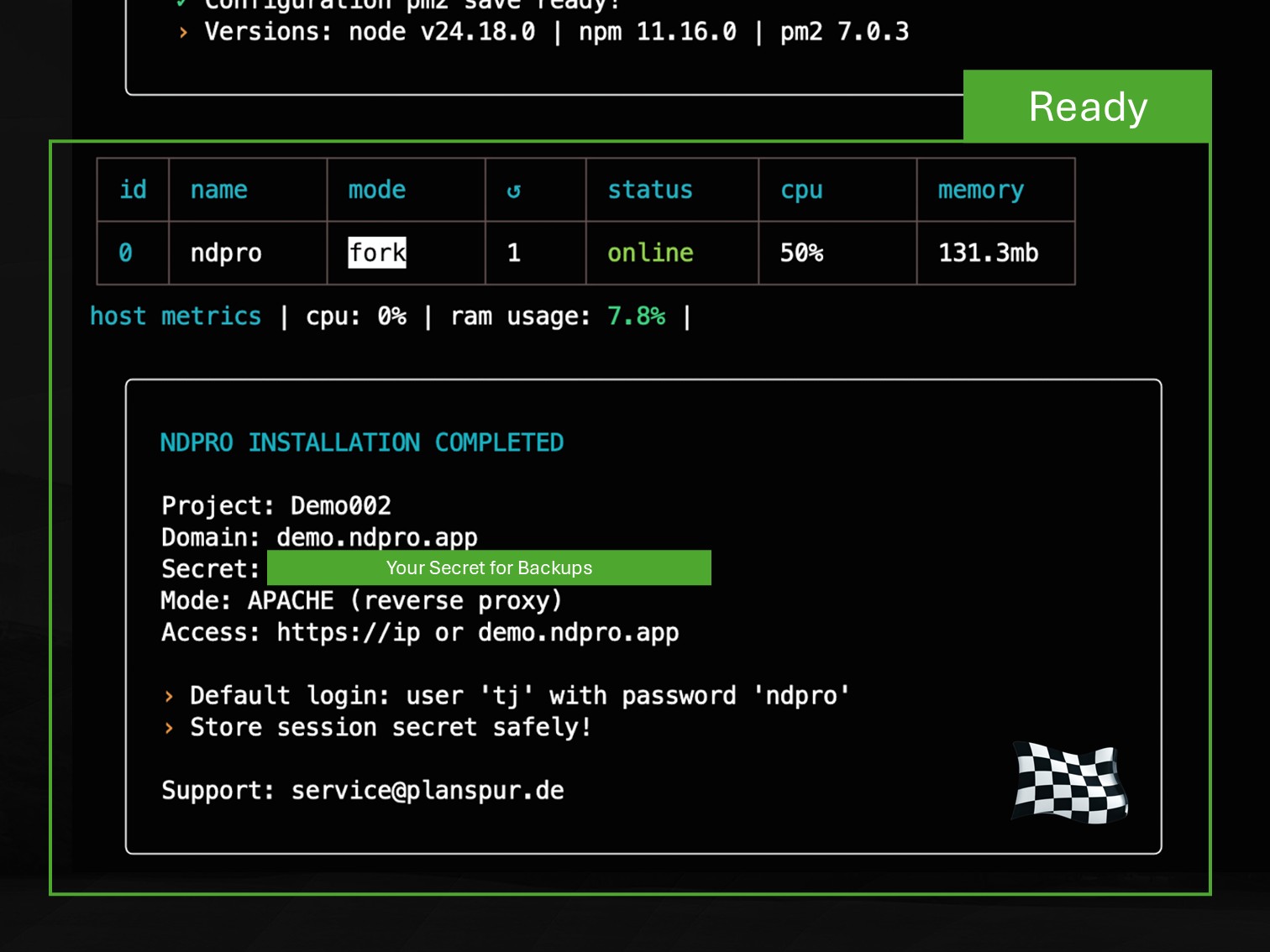
Installation complete
After successful installation, NDPro is ready for use. Keep the system secret secure and initially access the system via its IP address.
Keep the system secret secure
Initial access via https://<IP address>
Domain access after TLS configuration
Secure Access
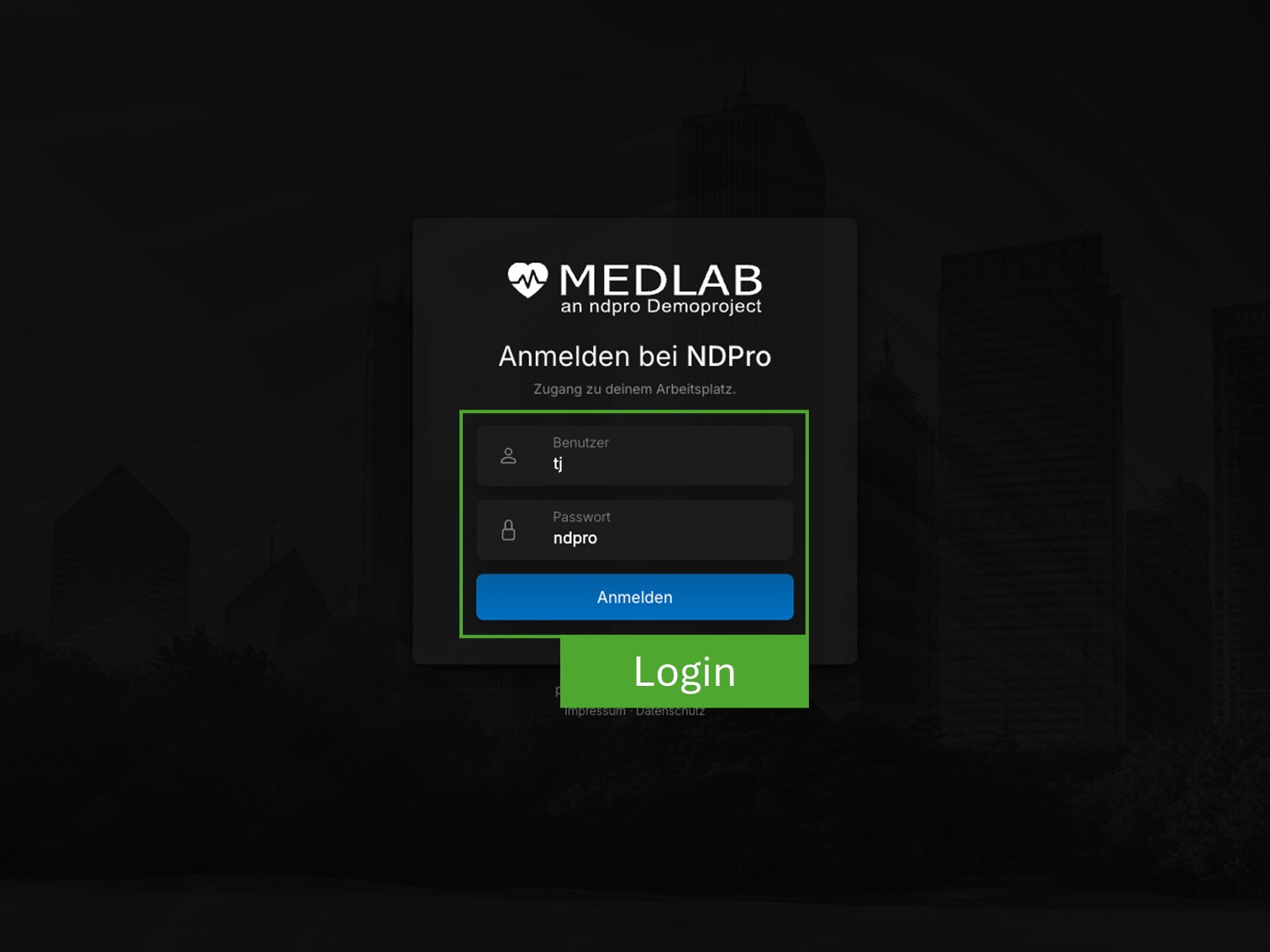
Web Login
Access NDPro through your web browser. The login is secured using HTTPS, whether you connect via IP address or domain name.
Login via HTTPS
Access using IP address or domain
No additional software required
Password Change
First Login
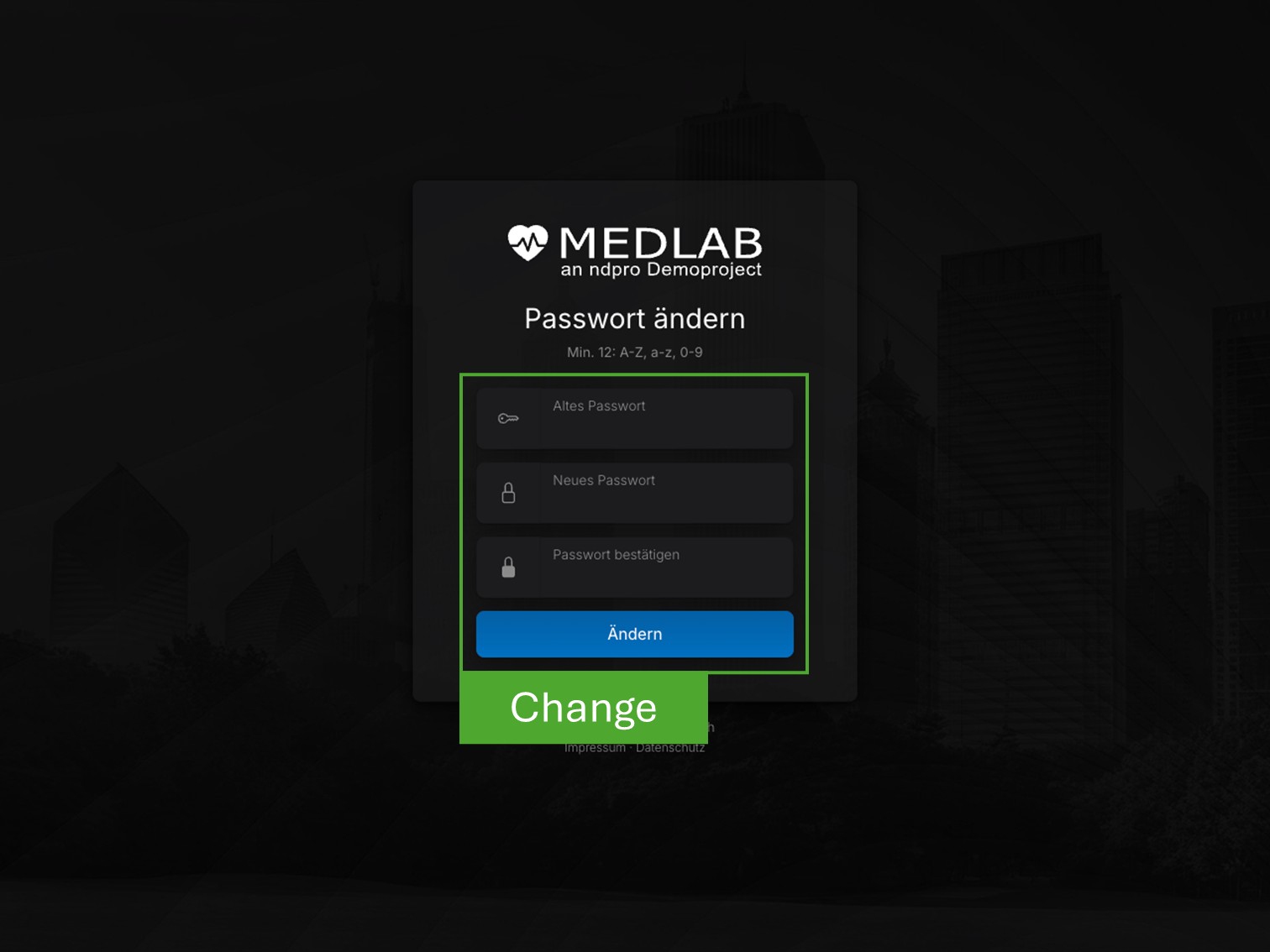
During the first login, you must assign a new administrator password. The password must comply with the defined security requirements.
Minimum 12 characters
Uppercase, lowercase and numbers
Default password is replaced
Administration
Administration Interface
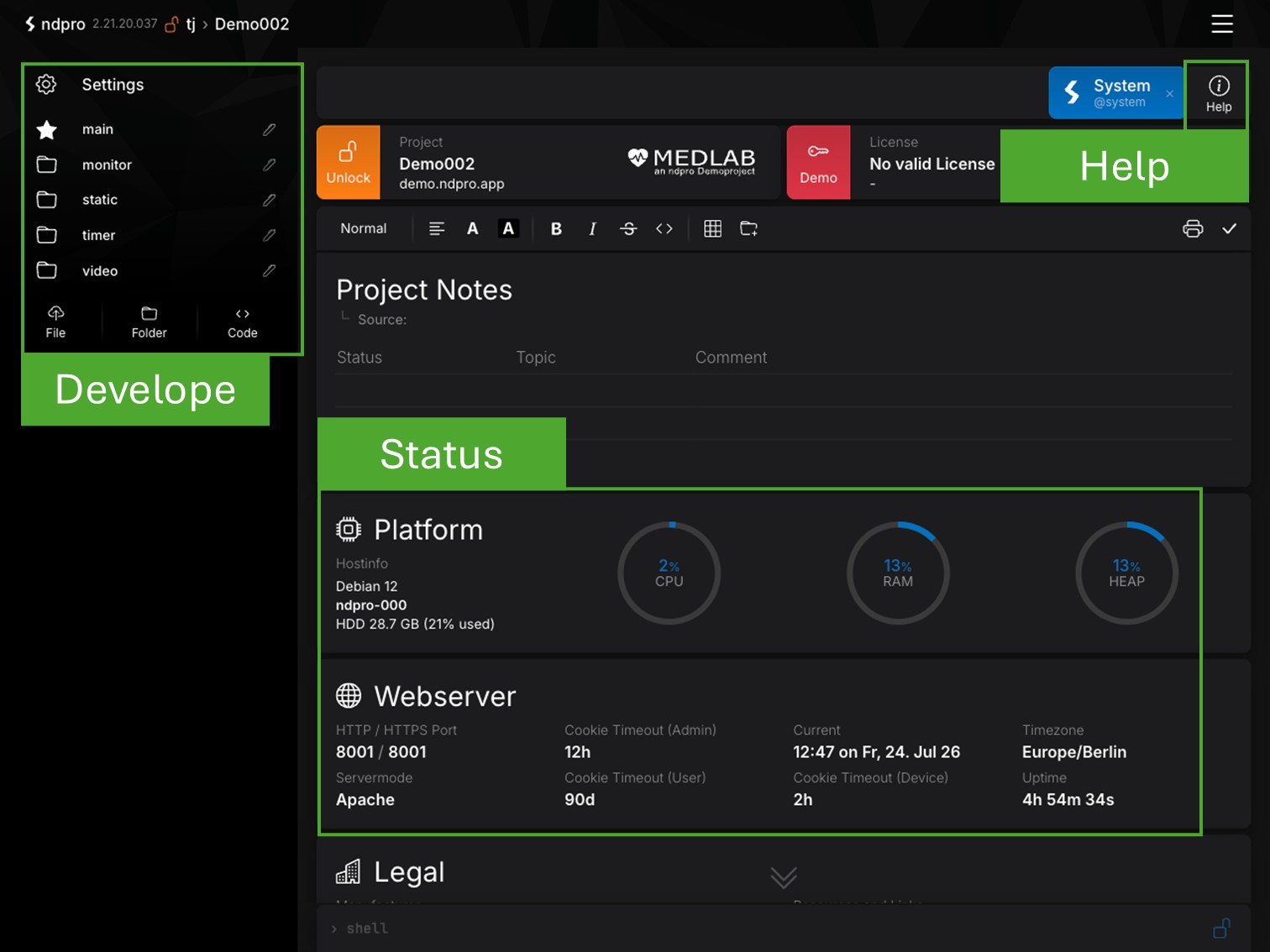
After signing in, you will access the central administration interface. From here, you can manage users, systems, devices, integrations and projects through a unified web interface.
Develop and manage microservices
Centrally manage devices and users
Status, diagnostics and help at any time
Administration
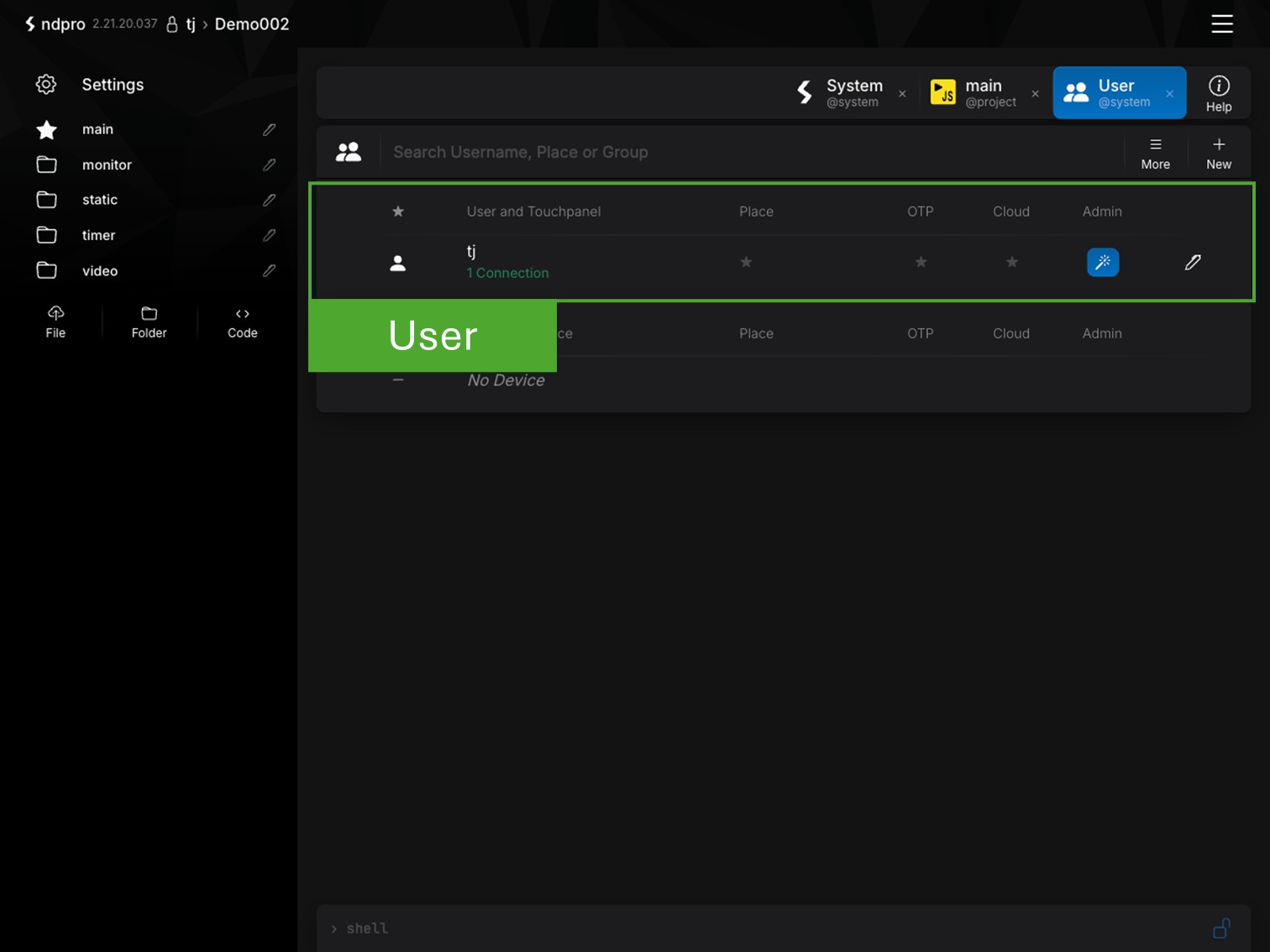
User Management
Manage user accounts, roles and permissions from a single interface. This ensures every user has the appropriate access rights for their responsibilities.
Manage users and roles
Assign individual permissions
Central access to all systems
Administration
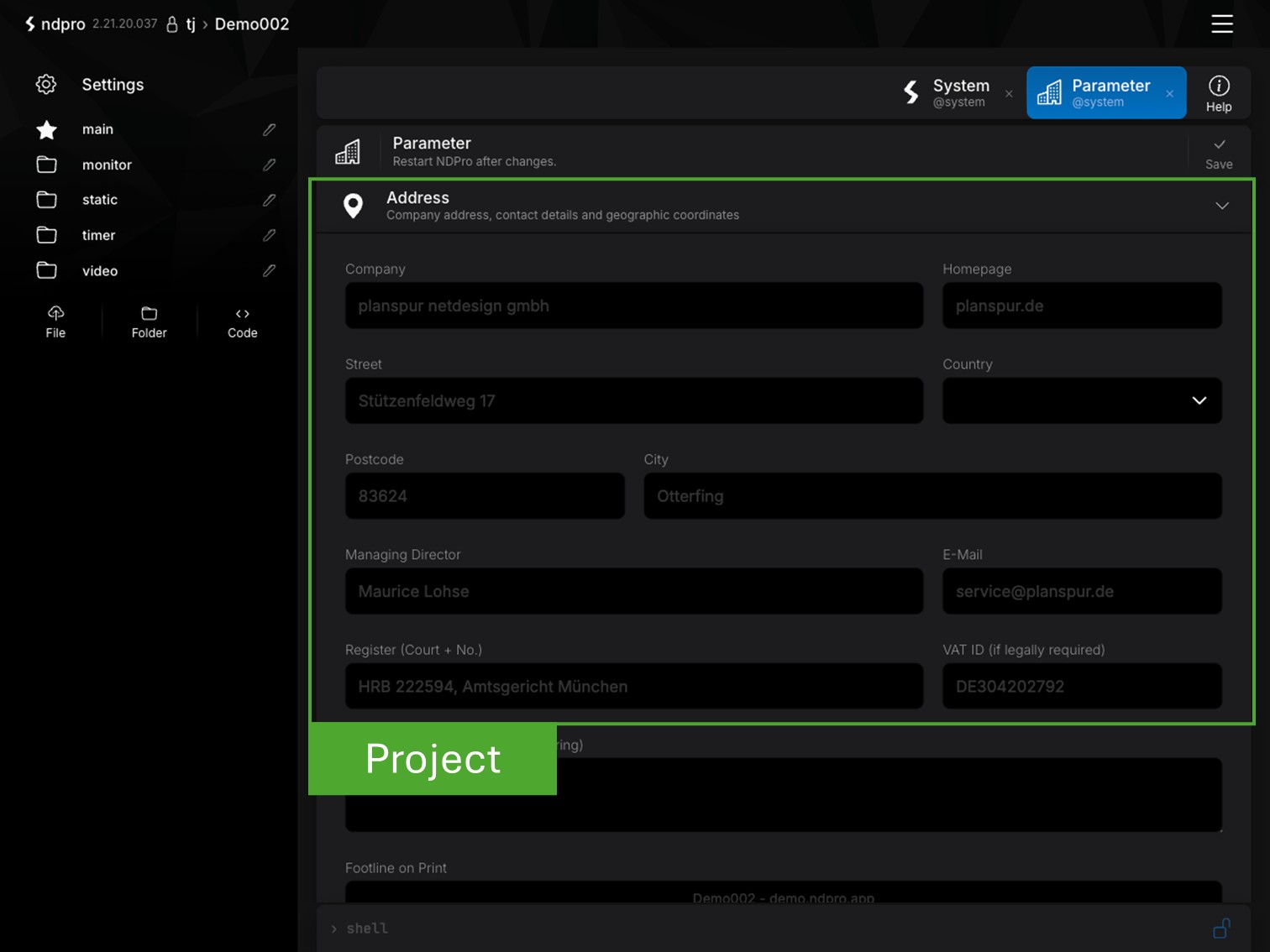
Project Configuration
Store project-specific information for monitoring, documentation and system identification. All relevant project data is centrally managed and available throughout the platform.
Maintain project and contact information
Information for monitoring and legal notice
Central project identification
Administration
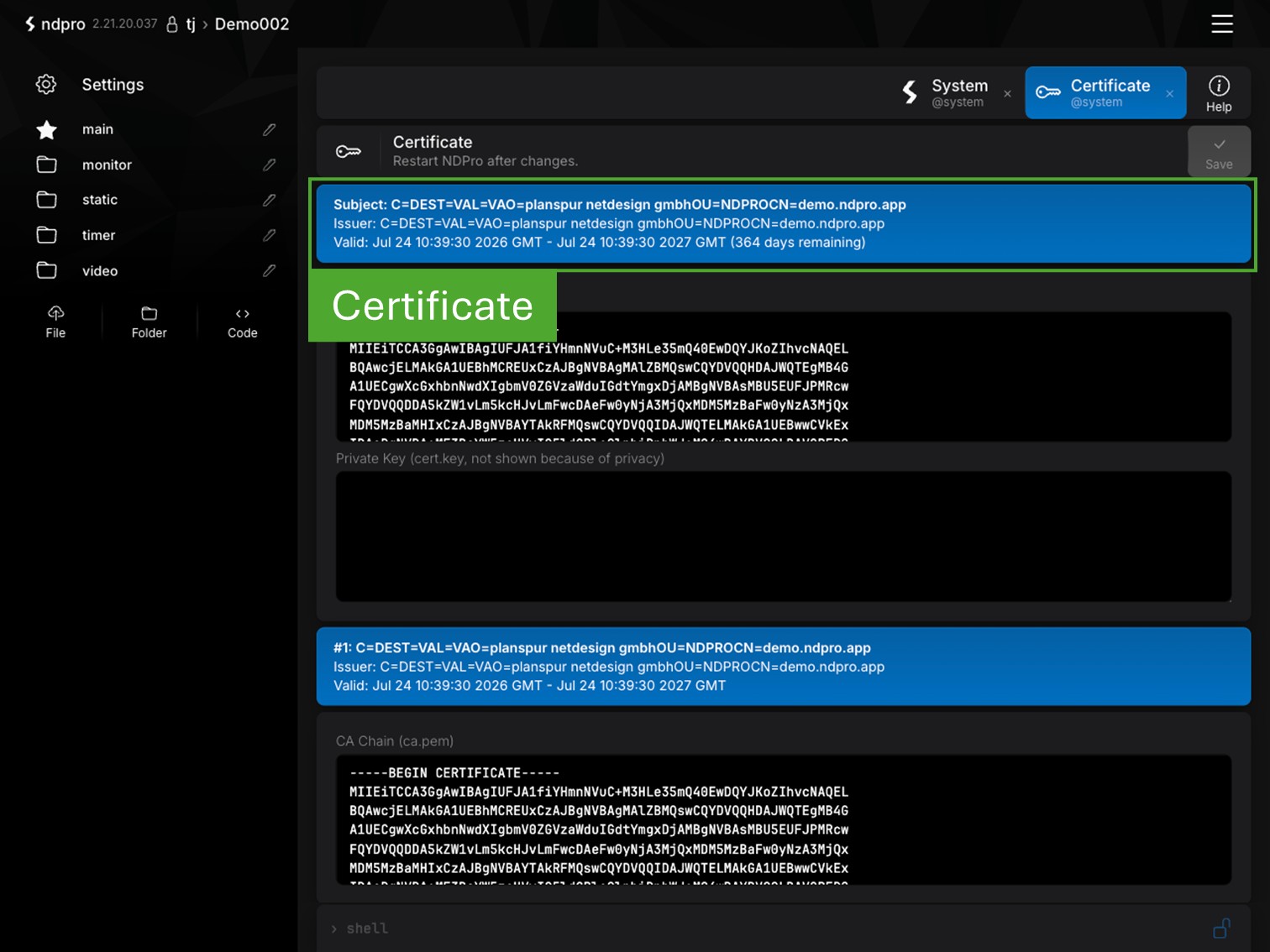
TLS Certificates
Manage TLS certificates centrally within NDPro. Certificates can be stored, validated and used to secure encrypted communication across the platform.
Central TLS certificate management
Secure HTTPS communication
Validate and update certificates
Administration
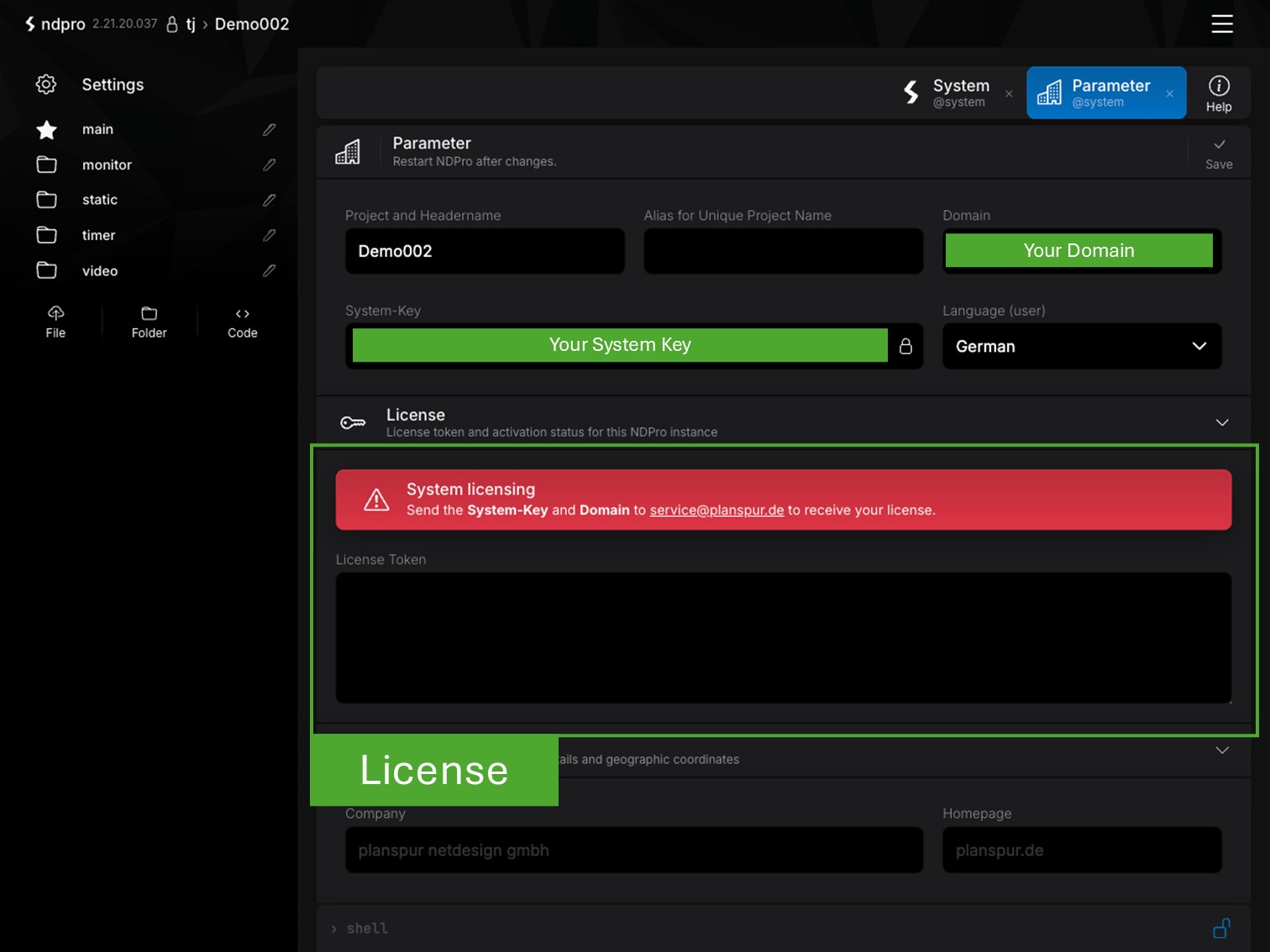
License Management
Every NDPro instance starts in demo mode. After submitting the system key and domain, a license can be requested and activated within the system.
Start in demo mode
Request a license using the system key
Monitoring available after license activation
Administration
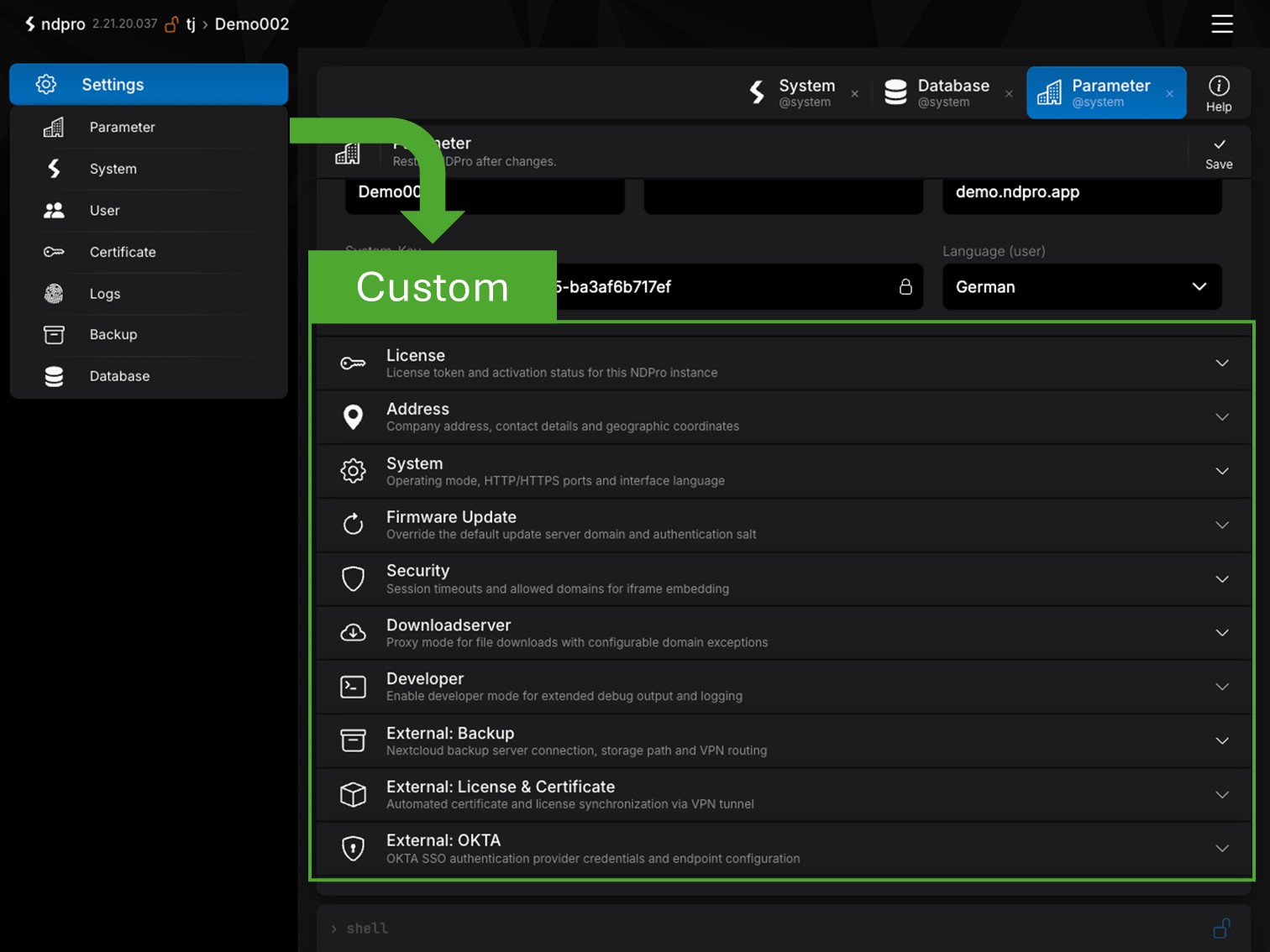
Advanced Configuration
Manage central system settings for operation, security and integration of your NDPro instance. All advanced configuration options are available in one place.
Server, security and system settings
Firmware, authentication and backup servers
External licenses and system integrations
Microservices
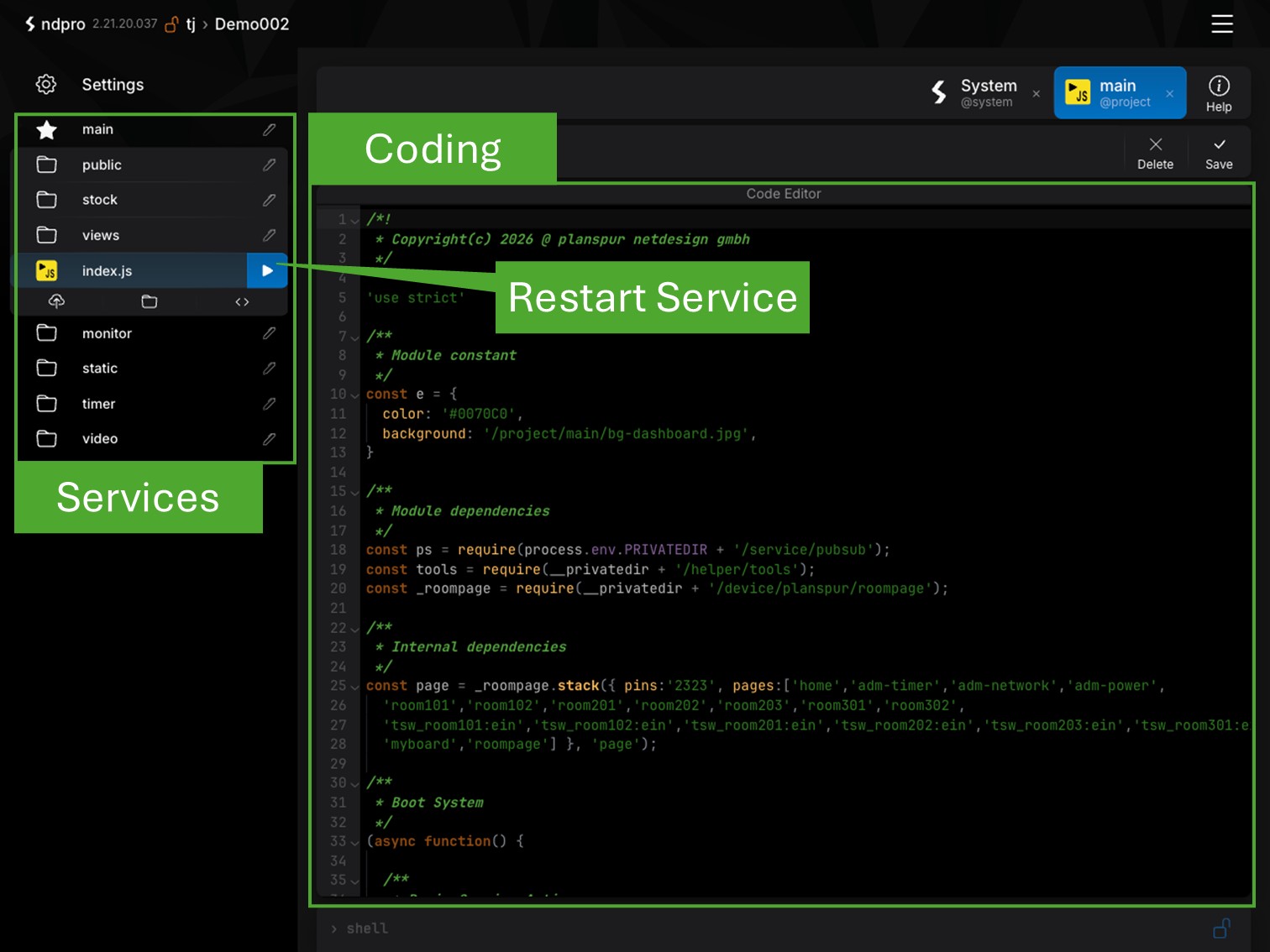
Node.js Development
Develop custom services and device integrations directly within NDPro. Create, manage and deploy your own logic and integrations from a central development environment.
Develop Node.js microservices
Integrate custom devices and APIs
Restart services instantly
User interfaces
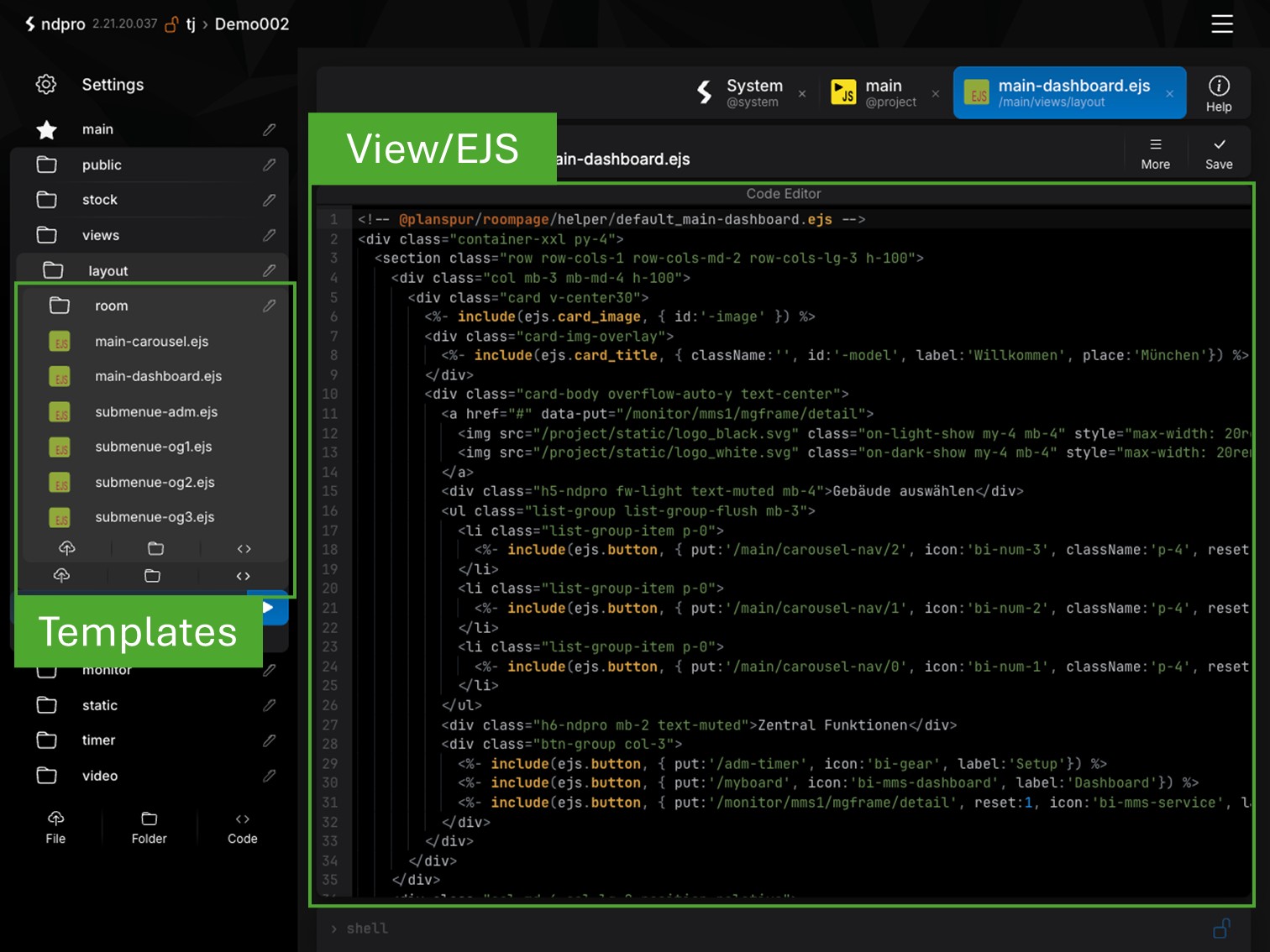
HTML5 Interfaces
Create custom HTML5 user interfaces using EJS templates. Build touch panels, dashboards and visualizations for a wide range of devices and applications.
HTML5 interfaces with EJS
Create custom templates
Optimized for desktop and touch devices
Help & Documentation
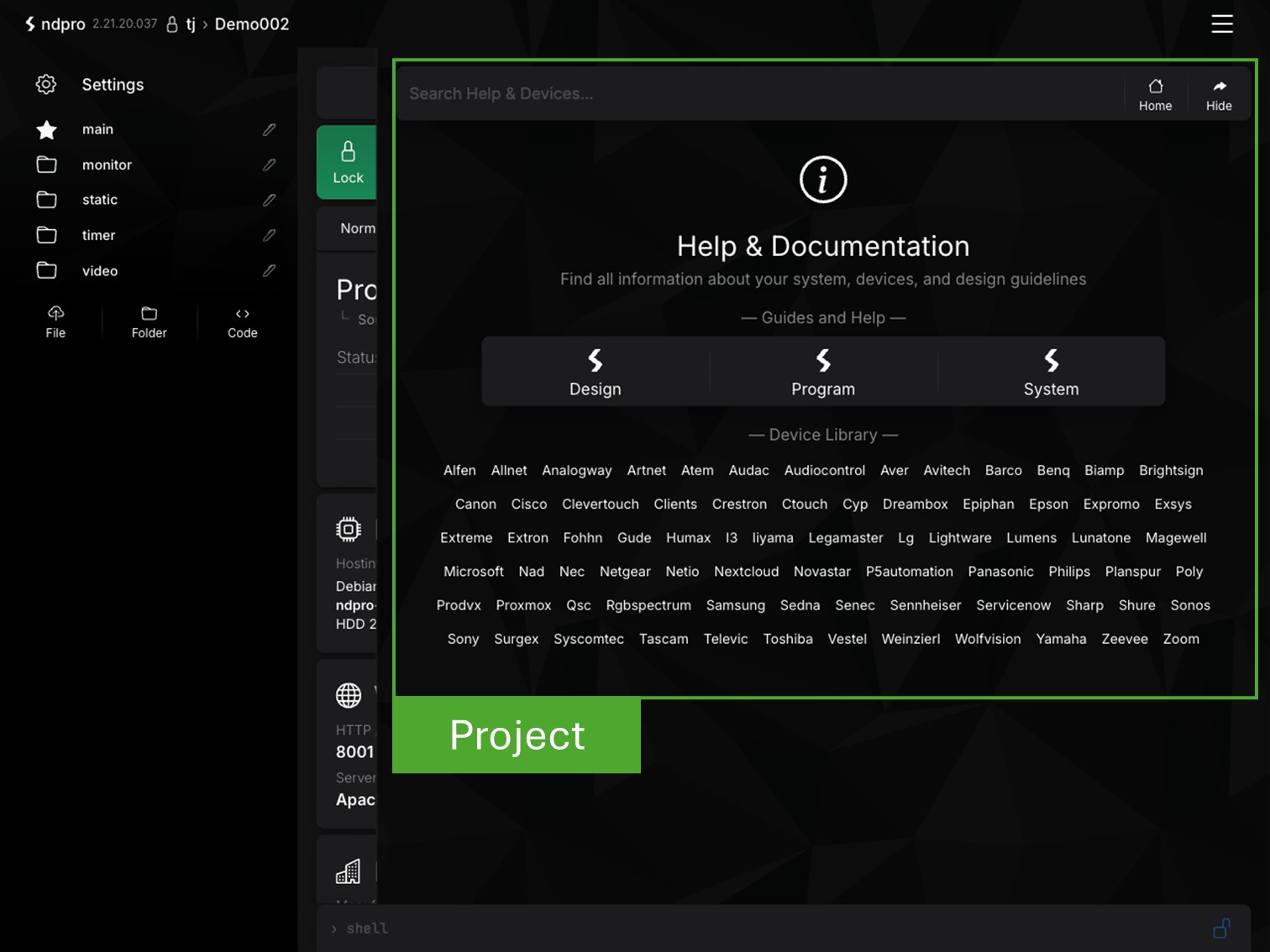
Developer Documentation
All essential information for development and administration is available in one central location. Documentation, macros, design guidelines and system settings are always accessible.
* Documentation and examples
* Macros and design guidelines
* System settings explained
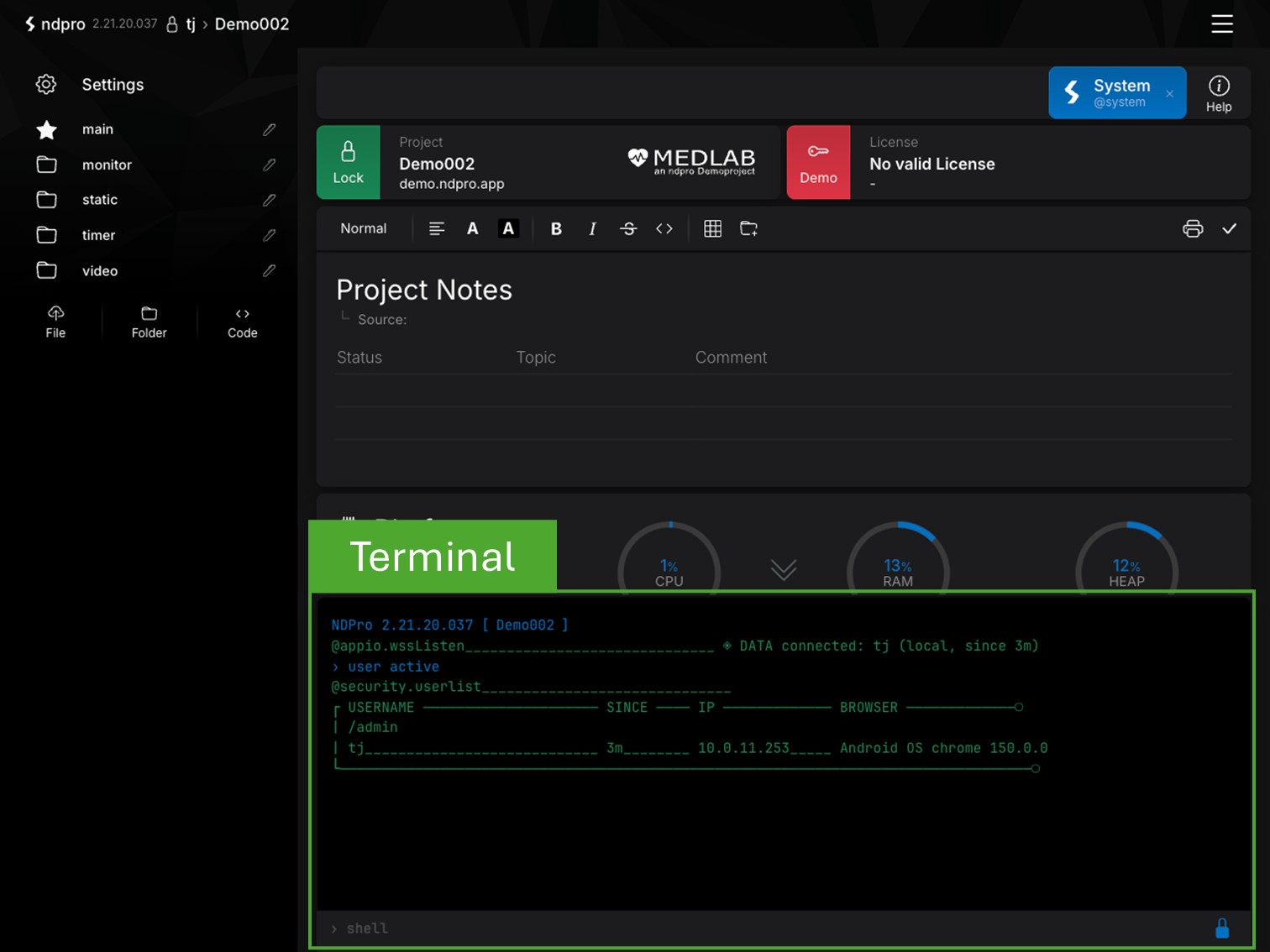
System Terminal
System Terminal
Perform administrative tasks directly from the integrated terminal. Analyze the system, restart services or access essential maintenance functions.
Terminal for system maintenance
Manage services and processes
Diagnostics, backup and administration
System Logs
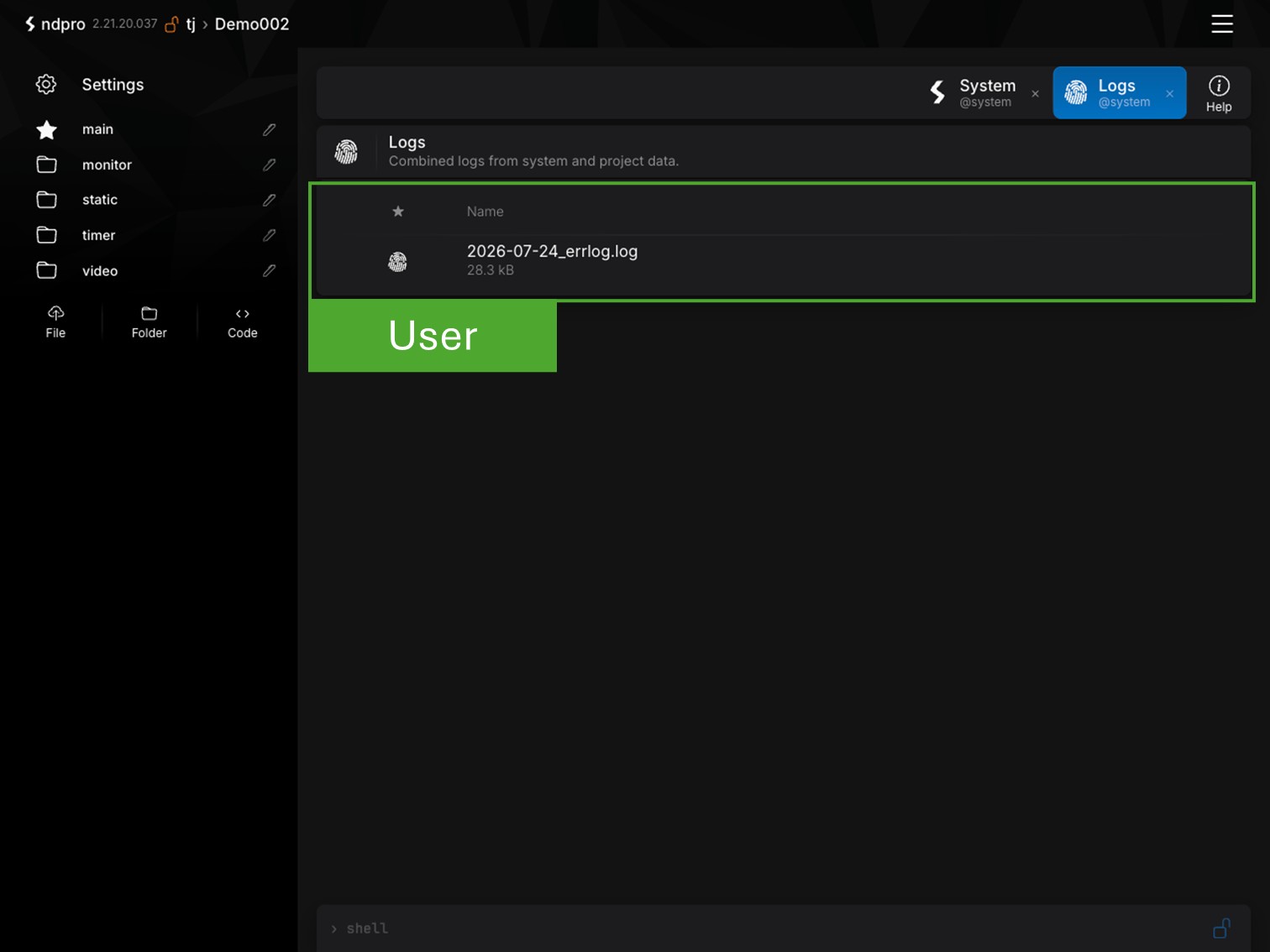
Logging
All security-related and system events are logged centrally. User logins, errors, connections and system events can be reviewed at any time.
Login and user activity
Errors and system events
Central audit and log files
Backup & Recovery
Backup & Recovery
Manage backup files and offline updates from one central location. Backups can be uploaded, downloaded or used to restore an NDPro system.
Upload and download backups
Restore systems from backups
Secure system migration